Pre-Chat Form: What to Ask, What to Skip, How to Set It Up
A pre-chat form asks visitors a few questions before a chat begins. See which fields to use, how to keep it accessible and compliant, and what happens next.

A pre-chat form is a short form that appears when a visitor opens your chat widget and before they can send a message. It collects details such as a name, an email address or the topic of the question, so the conversation starts with context. The best ones ask for two or three things at most, explain why, and hand the answers to whoever or whatever replies next.
This guide covers what a pre-chat form is, which fields earn their place, how to build one that people with disabilities and phone users can finish, the privacy points to settle before launch, and what should happen after the visitor presses submit.
TL;DR
- A pre-chat form (sometimes called a pre-chat survey) is a gate before the first message. It is worth having only if every field helps you answer or follow up.
- Start with one required field, usually an email address or a topic choice, and make everything else optional.
- Use visible labels, correct autocomplete attributes and large tap targets so the form works on mobile and with assistive technology.
- Tell visitors what you will do with their details, link your privacy policy beside the form and never pre-tick a consent box.
- Decide what happens after submission: route the answers into your CRM, pass them to the assistant or agent, and use them to personalize the first reply.
Table of Contents
- What a pre-chat form is
- Should you use one at all?
- What to ask before the chat starts
- Design it so people can finish it
- Privacy and consent before the first message
- How to set one up
- Pre-chat forms for online stores, lead capture and other languages
- What happens after the visitor submits
- Common mistakes
- Perspective
- Run it with Konvuno
- FAQ
- Sources
What a pre-chat form is
A pre-chat form sits between the moment a visitor clicks the chat bubble and the moment the conversation opens. Support documentation for chat tools describes it the same way: a short form shown when the widget opens, before the visitor can send a message, whose answers attach to the conversation and the contact record.
Pre-chat form vs. pre-chat survey
The two names describe the same mechanism. “Form” usually means identity fields: name, email, phone. “Survey” usually means qualifying questions: what are you here for, which product, how big is your team. Most real setups mix both in one short screen.
How it differs from a contact form
A contact form is a destination: the visitor leaves a message and waits. A pre-chat form is a doorway: the visitor answers a couple of questions and then talks to someone, or something, right away. That difference should shape the form. If the reply is immediate, you can ask for less, because the conversation itself will draw out the details.
Should you use one at all?
Every field you add costs you some visitors. The question is whether the context you get back is worth the ones you lose.
A pre-chat form tends to make sense when:
- Your team needs to route chats (sales, billing, support) and the visitor’s choice saves a transfer.
- You want every conversation tied to an email address so you can follow up after the visitor leaves.
- You sell high-consideration products or services, where a lead is worth more than an anonymous question.
- Your chat has limited hours and you need a way to reply later.
It makes less sense for quick pre-sales questions such as shipping times or stock, where an open chat that answers instantly keeps people moving. In that case, you can ask for contact details inside the conversation, once the visitor has seen some value. Our guide to pre-sales chatbot questions shows how to word those moments.
What to ask before the chat starts
The rule is simple: ask only for what you will use in the next five minutes or the next five days.
| Field | When it helps | Required? |
|---|---|---|
| You will follow up, or the chat may drop | Often yes, if you follow up by email | |
| Name | Your replies address the person by name | Optional |
| Topic or department | You route chats to different people or knowledge | Yes, if routing depends on it |
| Order number | Support for existing orders | Only on a support-specific form |
| Phone number | Your team calls back | Optional, never by default |
| Company name or size | B2B qualification | Optional |
| Free-text question | The visitor wants to state the issue first | Optional |
Use a dropdown instead of typing where you can
A topic selector with four to six options (“Order status”, “Product question”, “Pricing”, “Something else”) takes two seconds on a phone. Typing an email takes much longer. Put the easy tap first and the typed field second.
Keep it to three fields or fewer
A name, an email and a topic is a reasonable ceiling for a general small business site. If you feel you need more, ask for it during the conversation. A good rule for any extra field: if nobody on your team would read it, delete it.

Match the form to the page
The pricing page can ask “Which plan are you considering?” The product page can skip the question because the assistant already knows which product the visitor is viewing. A checkout page might ask nothing and offer help only on failure. One form on every page is the easiest setup, but it is rarely the most effective one.
Design it so people can finish it
Short is not enough. The form also has to work for people using screen readers, keyboards or a thumb on a small screen.
Labels and placeholders
Give each field a persistent, visible label. Accessibility guidance notes that placeholder text used as a label disappears once the user types and often fails the 4.5:1 contrast minimum. Keep placeholders for genuine format hints only, such as an example phone format.
Connect each label to its field with the for attribute. That creates a programmatic link that assistive technology understands, and it also means tapping the label focuses the field, which gives mobile users a bigger target, as this WordPress forms accessibility guide explains.
Autocomplete attributes
WCAG 2.2 success criterion 1.3.5 (Level AA) asks that the purpose of fields collecting information about the user can be determined programmatically, so browsers can fill them in and present them clearly. In practice, mark the name field with autocomplete="name", the email field with autocomplete="email" and the phone field with autocomplete="tel". Visitors on a phone then fill the form with one tap.
Mobile details
Set the email field to the email input type so phones show the right keyboard. Newer accessibility guidance also recommends attributes such as inputmode and enterkeyhint for mobile motor and cognitive accessibility. Keep the submit button full width and clearly worded: “Start chat” beats “Submit”.
Error messages
If an email is mistyped, say so next to the field in plain words: “That email looks incomplete. Check for the @ sign.” Don’t clear the other fields.
Privacy and consent before the first message
A pre-chat form collects personal data, so the rules on notice and consent apply from the first field. Which rules depend on where your visitors live, and your site probably serves more than one place.
In the United States
California’s privacy law requires covered businesses to give consumers a notice at collection that lists the categories of personal information collected and the purposes for which it is used. The practical translation for a chat form is a line near the fields, such as “We use your email to answer your question and follow up about it. Privacy policy”, with the policy linked. Other states have their own rules, so confirm the details for your business with a privacy attorney.
For visitors in Europe
If European visitors use your site, the GDPR applies to them. Guidance on GDPR consent statements says they should name who is collecting the data, what is collected, why, how long it is kept and how to withdraw consent. It also says they must be a clear opt-in rather than a pre-ticked box, and that agreeing to a chat is a separate choice from agreeing to marketing emails.

That last point matters for lead capture. If you want to send newsletters, add an unticked, separate checkbox for it. Don’t bundle it with “I agree to chat”.
Good habits for any market
- Put a short purpose line and a privacy policy link directly under the fields, not in a footer.
- Collect only what the chat needs.
- Decide how long you will keep transcripts and form answers, and write it down. Our post on chatbot data retention walks through the decision.
- Run through the privacy tests before you launch, and review the security controls that protect stored chats.
- Keep your CRM tidy so old or duplicate records don’t linger. This CRM data hygiene playbook is a good starting point for the routines.
How to set one up
The exact screens depend on your chat tool, but the steps are the same everywhere.
- Write down the goal. Routing, follow-up or qualification. One goal per form.
- Pick the fewest fields. Mark only the ones you truly need as required.
- Write labels in plain words. “Your email”, not “Primary electronic contact”.
- Add the purpose line and privacy link. Put them where the visitor sees them before pressing the button.
- Choose when it appears. On opening the widget, only on certain pages, or only when no human is available.
- Set the destination. Decide where answers go: a CRM, an email inbox, the assistant’s context.
- Test on a real phone with autofill on, then with a keyboard only, then with a screen reader if you can.
- Review after two weeks. Look at how many visitors open the widget versus how many start a chat, and trim fields if the gap is large.
Pre-chat forms for online stores, lead capture and other languages
Online stores
Shoppers rarely want to introduce themselves to ask whether a jacket comes in medium. For product questions, skip the form or make the only field optional. Use a form for support flows such as order status, where an order number or email lets you look up the right record. If your assistant reads your catalog, the answers on price and availability come straight from the synced product data. Our guide on connecting your data to a website chatbot explains how that works.
Lead capture for service businesses
For a plumber, accountant or agency, a conversation that ends without contact details is a lost lead. Here a name and email up front can pay off, particularly on pricing and booking pages. A softer alternative: let the visitor ask the first question, answer it, then request an email so you can send details or book a call.
Multilingual sites
If your site has several languages, the form should follow the visitor’s language: labels, error messages, the purpose line and the privacy link. A form in English above a chat in Spanish feels broken. Right-to-left languages need checking of field alignment and placeholder direction. We cover those checks in bilingual chat QA and the step-by-step translation setup.
What happens after the visitor submits
The form is only half the job. The other half is what you do with the answers.
- Use them in the first reply. “Thanks, Maria. Let’s look at your question about shipping” feels like a continuation, not a restart.
- Store them against the conversation. A contact record with the transcript attached saves your team from asking again.
- Route by topic. Sales questions to sales, order issues to support.
- Hand off cleanly. When a person takes over, they should see the form answers and the transcript so far.
- Follow up within a day if the chat ended without a resolution, and only about what the visitor asked.
- Review what people ask. Patterns in topics tell you which pages and FAQs need work.
Outside opening hours, set expectations. Our post with chat templates and a widget schedule test offers wording for those moments.
Common mistakes
- Requiring a phone number for a simple question.
- Using placeholders in place of labels.
- Asking for the same details twice, once in the form and again in the chat.
- Hiding the privacy link or burying it in a long page.
- Pre-ticking a marketing checkbox.
- Leaving form answers sitting in a mailbox rather than in a record someone owns.
- Never reviewing which fields visitors abandon.
Perspective
We build Konvuno for owners who do not have a support team, so we look at pre-chat forms through one question: what does the visitor gain by answering?
Our view is that the assistant should do the work first. Because it answers from your own FAQs, website content and synced product catalog, a visitor can get a useful reply to a shipping or pricing question without handing over anything. Contact details are best requested at the moment they become useful: when the question needs a person, or when the visitor wants a follow-up.
That is why we pair conversations with a built-in CRM and a handoff to a human. The details the visitor gives land next to the conversation, and the dashboard shows what people actually ask, so you can tune your form and your content from real questions instead of guesses.
You configure it all from a hosted dashboard, with no developers and no per-seat pricing, and you can preview the result before paying. A small business should be able to decide what to ask and when to ask it, and change its mind next week.
Konstantin
Run it with Konvuno
If you want an assistant that answers from your own content, captures leads into a built-in CRM and hands off to a person when needed, Konvuno installs with a single script tag and is configured from a dashboard. Plans are Starter at €29 per month, Growth at €79 per month and Business at €199 per month, and every plan includes full conversational catalog capabilities.
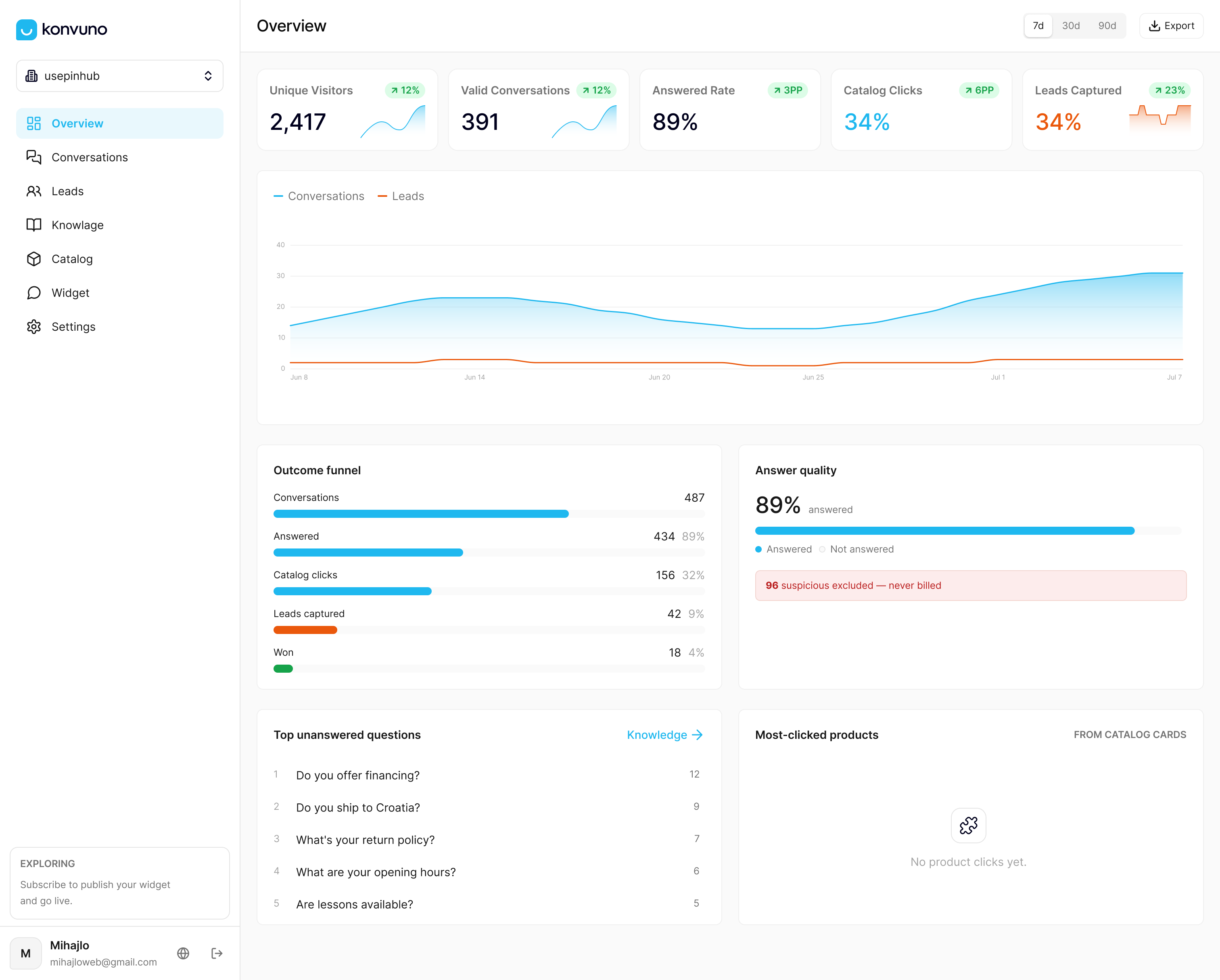
See the plans and set up your assistant at Konvuno. If you are planning the wider rollout, our website chatbot best practices for small teams is a good next read.
FAQ
What is a pre-chat form?
It is a short form shown when a visitor opens your chat widget, before the first message is sent. It collects details such as a name, email or topic so the conversation starts with context. Many tools also call it a pre-chat survey.
What fields should a pre-chat form have?
Start with an email address or a topic dropdown, and add a name only if you will use it. Make everything else optional. Three fields is a sensible ceiling for most small business sites.
Does a pre-chat form hurt conversions?
Each extra required field gives visitors a reason to leave without chatting, so keep the form short and explain why you ask. Compare how many visitors open the widget with how many start a conversation, and remove fields if the drop is large.
Do I need consent on a pre-chat form?
You need to tell visitors what you collect and why, with a link to your privacy policy. Where the GDPR applies, consent must be a clear opt-in and never a pre-ticked box. Check the rules that apply to you with a privacy professional.
Sources
- Add a pre-chat survey
- How to Build Accessible Forms (WCAG 2.2)
- How to Build Accessible Forms in WordPress
- Understanding SC 1.3.5 Identify Input Purpose
- Accessible Forms: Complex Fields for Screen Readers
- California Consumer Privacy Act (CCPA)
- GDPR Consent Form Examples & Templates
- CRM Data Hygiene: A Practical Playbook for Sales Leaders