How Konvuno works
What Konvuno does for your business, how the pieces fit together, and who on your team can do what.
Konvuno puts an AI assistant on your website. It answers your visitors' questions around the clock, recommends what you sell, and passes the people who need you — with their contact details — straight to you.
The assistant only speaks from what you teach it. You set everything up once in the Konvuno dashboard, and from then on you mostly read what your visitors asked.
How it works, end to end
- You teach it. Under Knowledge you add the questions customers ask and your answers to them — typed in, uploaded from a file, or drafted from your own website. If you sell products or services, you list them under Catalog. See Knowledge and Your catalog.
- You put it on your website. On the Widget screen you give the chat your name, logo and colours, publish it, and paste one short snippet into your website. See The chat widget.
- Visitors ask. The assistant answers from your knowledge, shows your products with a link, and offers a way to reach you when a question needs a person. See What your visitors see.
- You follow up. Every chat lands under Conversations. When a visitor leaves their name and email or phone, it also lands under Leads, and you get an email about it. See The conversation inbox and Leads.
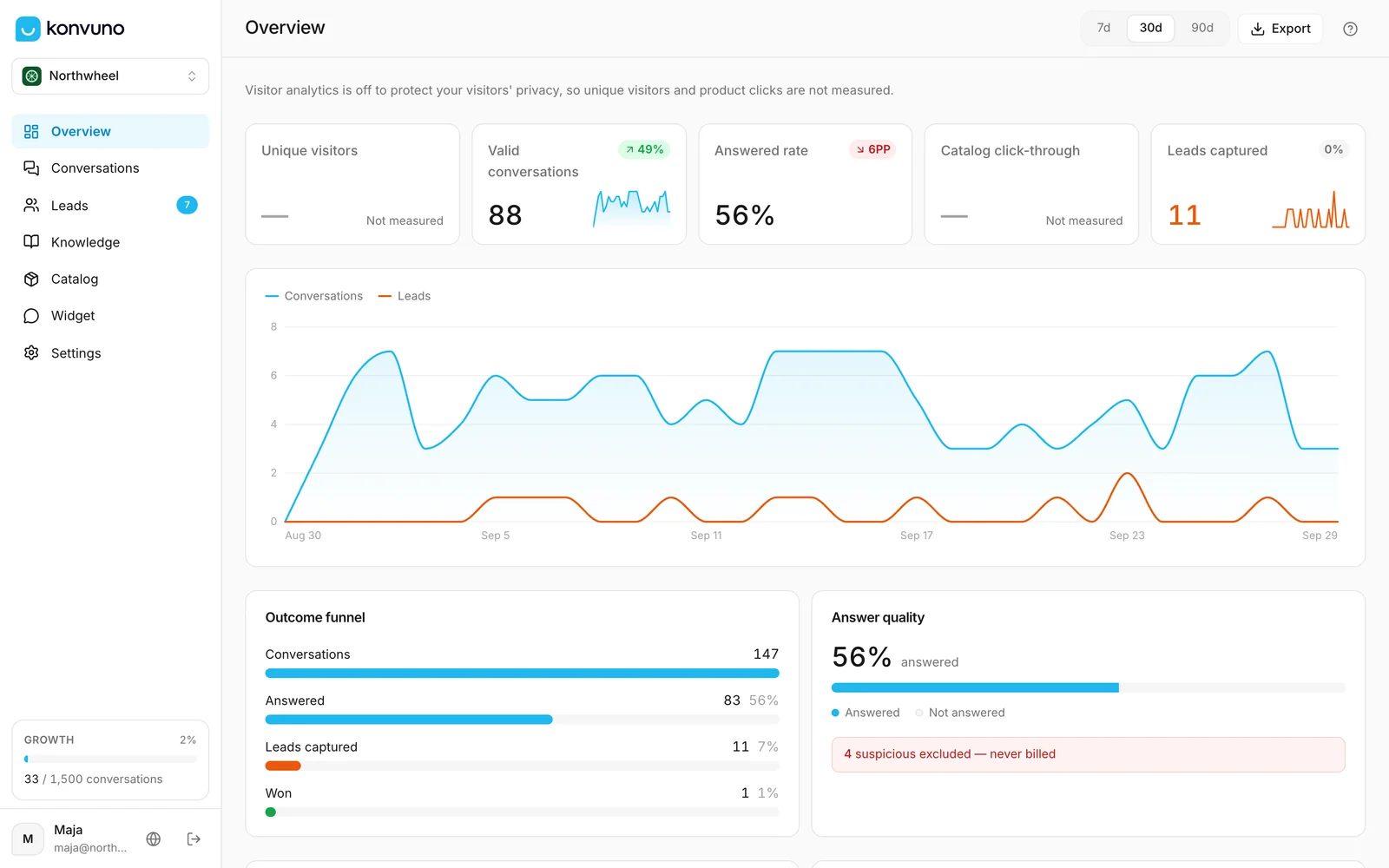
- You improve it. Overview shows how many visitors you had, how many questions were answered, and which ones were not — so you know which answer to add next. See The Overview screen.
Note
You can set up and try everything for free. A subscription is only needed when you are ready to publish the widget to your website — see pricing.
Where to start
- New here? Follow Go live in 15 minutes.
- Want to understand each step first? Read Sign in, then Create your business and The tour and the setup checklist.
- A word you do not know? The glossary explains them all.
Owners and members
The person who creates a business is its owner. An owner can invite teammates, who join as members. Members do the everyday work: FAQs, the catalog, widget settings, conversations and leads. A few things stay with owners — publishing or taking the widget offline, the subscription and billing, managing the team, connecting an online store, and renaming, exporting or deleting the business. The full list is in Who can do what.
How other businesses use it
- A family restaurant adds its opening hours, menu questions and allergy information, and lets the assistant hand table bookings to a phone number.
- A physiotherapy clinic answers "do you take my insurance?" and "where do I park?", and collects the details of new patients who want an appointment.
- A marketing agency explains its services and prices in plain words, and turns late-evening website visitors into leads for Monday morning.
- An online shop lets the assistant recommend products with a link, and reads the unanswered questions each week to add the answers that are still missing.