Emails about new leads
Who gets an email when a visitor leaves their details, what the email says, how to change the address, and when no email is sent.
Every time a visitor sends the contact form in your widget, Konvuno emails you, so you can get back to them while they are still interested. You do not have to switch anything on.
Who gets the email
Konvuno sends lead emails to one address:
- the Support email in your business profile, if you filled it in;
- otherwise, the email address of the account that registered the business in Konvuno. If that person is no longer an owner, the owner who has been in the business longest gets it.
Members do not get their own copy. If the whole team should see new leads, use a shared address —
such as [email protected] — as the Support email.
What the email says
The email arrives from Konvuno with the subject "New website contact request — Konvuno". For your visitors' privacy it contains no personal details — only a link to the Leads screen, where you sign in to see who it was and what they wrote. The email is in English, whatever language your dashboard is in.
Tip
If the first lead email lands in your spam folder, mark it as "not spam" or add Konvuno to your contacts, so the next one reaches your inbox.
Change the address
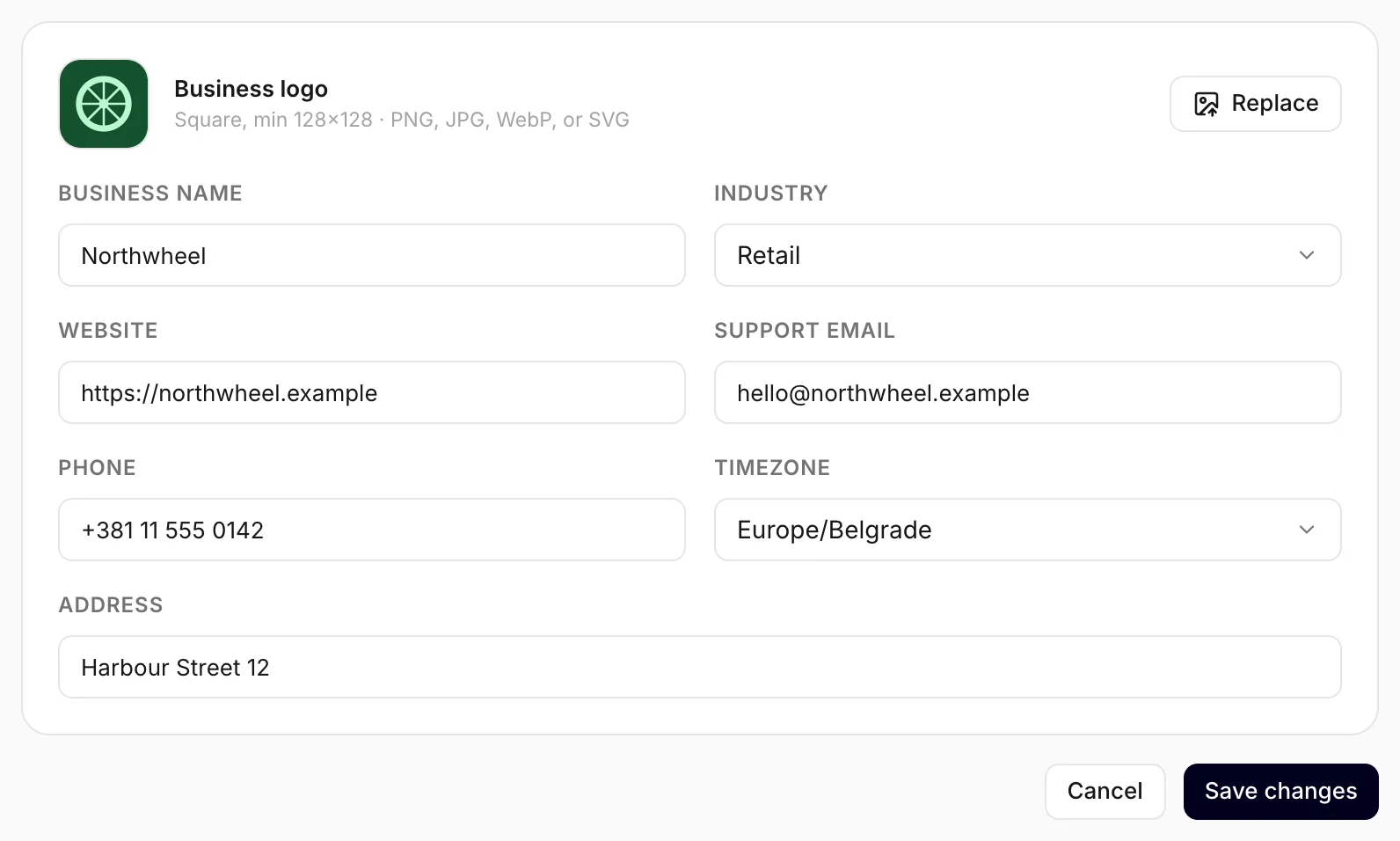
- Open Settings — Business profile opens first.
- Enter the address in Support email.
- Click Save changes.
The next lead goes to the new address. Owners and members can both change it. Leave the field empty to send lead emails to the account that registered the business again.
This address is only used for lead emails. It is not shown to your visitors — the contacts they see come from the widget's Behavior tab (see How visitors reach you).
When no email is sent
Konvuno does not send an email when:
- you are testing. Forms sent from the widget preview's Test mode are not saved, and nobody is emailed.
- the same person sends the form again within a few minutes — you get one email, not two.
- many forms arrive at once, such as a burst from a bot — Konvuno holds back the emails so your inbox is not flooded. Check the Leads screen instead.
- the visitor asked for a person but did not send the form. A hand-off on its own sends no email; the visitor may contact you directly instead. See Hand-offs.
Note
The number next to Leads in the dashboard's sidebar always shows how many leads are still New — a quick check that you have not missed one.
How other businesses use it
- A family-run bakery sends lead emails to the owner's personal inbox, because she answers everything herself.
- A law firm uses
intake@as its Support email, so the assistant's leads reach the same people as its phone enquiries. - A gym points the address at the front desk, where someone is always on shift.
- An IT services company sends lead emails to its help-desk inbox, which turns each one into a ticket.