The widget on phones
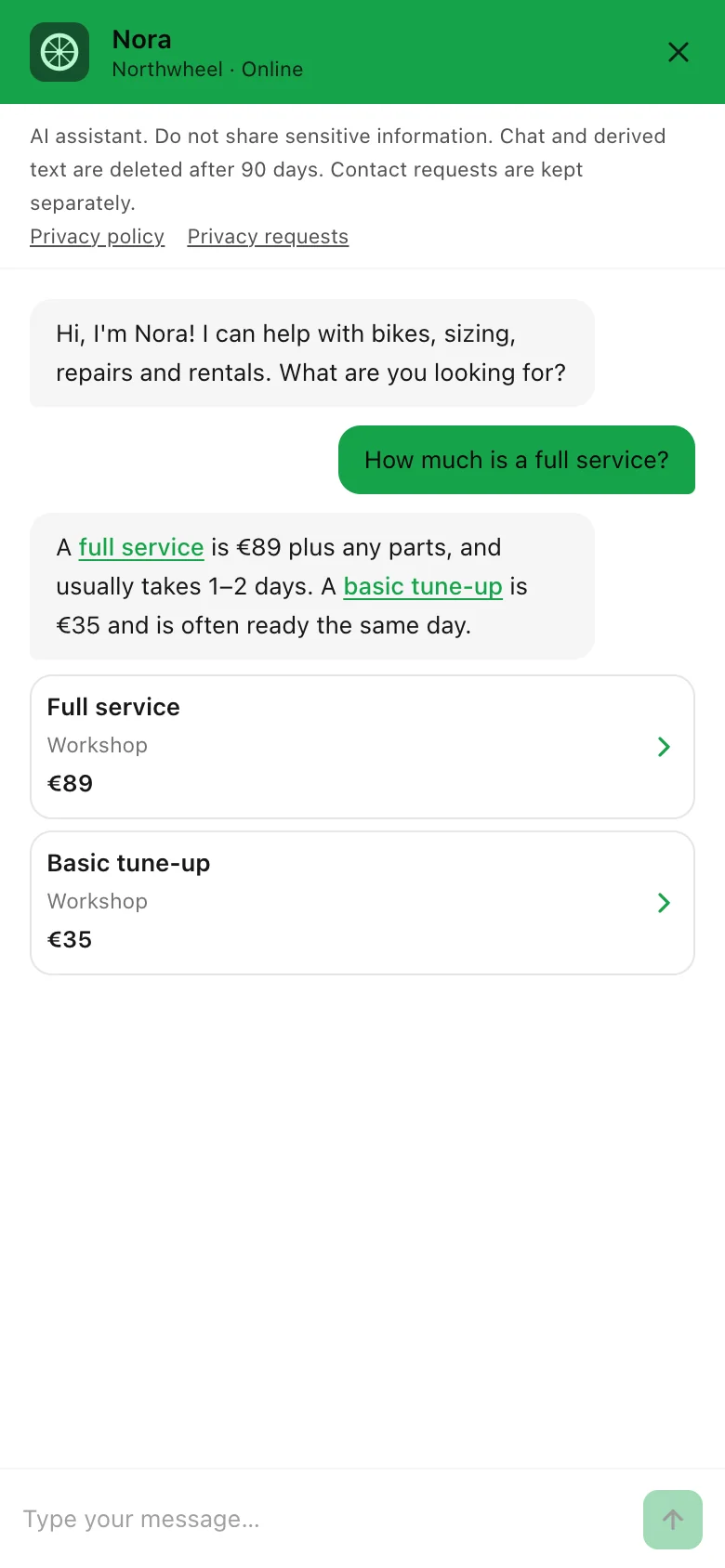
How the chat looks and behaves on a phone — full screen, without the launcher in the way, with contacts that open the phone's own apps.
Many of your visitors will meet the widget on a phone. It works the same way as on a computer, with a few differences that make it easier to use on a small screen.
The launcher
The launcher and its launcher text sit in the corner you chose, just as on a computer. The proactive greeting appears there too.
Full-screen chat
On a phone the chat opens full screen, whatever display mode you picked under Appearance — a small floating panel is hard to read and type in on a small screen. This applies to any screen up to 480 pixels wide, which covers practically every phone held upright. A tablet, or a phone turned sideways, gets the floating panel instead.
While the chat is open, the launcher is hidden, so it never sits on top of the message box. The visitor closes the chat with the × at the top right of the header.
If the visitor turns the phone while chatting, the widget switches between the full-screen chat and the floating panel by itself, and the conversation stays.
Contacts open the phone's apps
On a phone, the direct contacts in a hand-off are one tap away:
Call us
starts a call to your number;Email us
opens the phone's email app with your address filled in;WhatsApp
opens WhatsApp with your number.
See Contact form and hand-off.
Tip
To see the phone version before your visitors do, switch the preview on the Widget screen to Mobile, or open your website on your own phone. Keep your welcome message short — on a phone it is the first thing that fills the screen.
How other businesses use it
- A pizzeria whose customers mostly order from their phones fills in its phone number, so
"do you deliver to my street?" can end in a single tap on
Call us
. - A driving school keeps its starters under 40 characters, so they fit on one line on a phone.
- A hotel writes a two-line welcome message, so guests on their phones see the suggested questions without scrolling.