Contact form and hand-off to your team
What visitors see when they need a person — your direct contacts, the contact form with its consent checkbox, and the confirmation after sending.
Some questions need a person: a quote, a booking, a complaint. For those, the assistant hands the visitor over to you. This page shows what the visitor sees, and what reaches you.
When the assistant hands off
The assistant offers a person when the visitor:
- asks to talk to someone;
- asks for something only your business can do — a quote, a booking, an order or an account matter;
- asks for a specific detail you have not taught it, such as a price, availability or a policy.
It does not hand off a question it can answer, and it never hands off requests that have nothing to do with your business — it declines those instead.
The hand-off
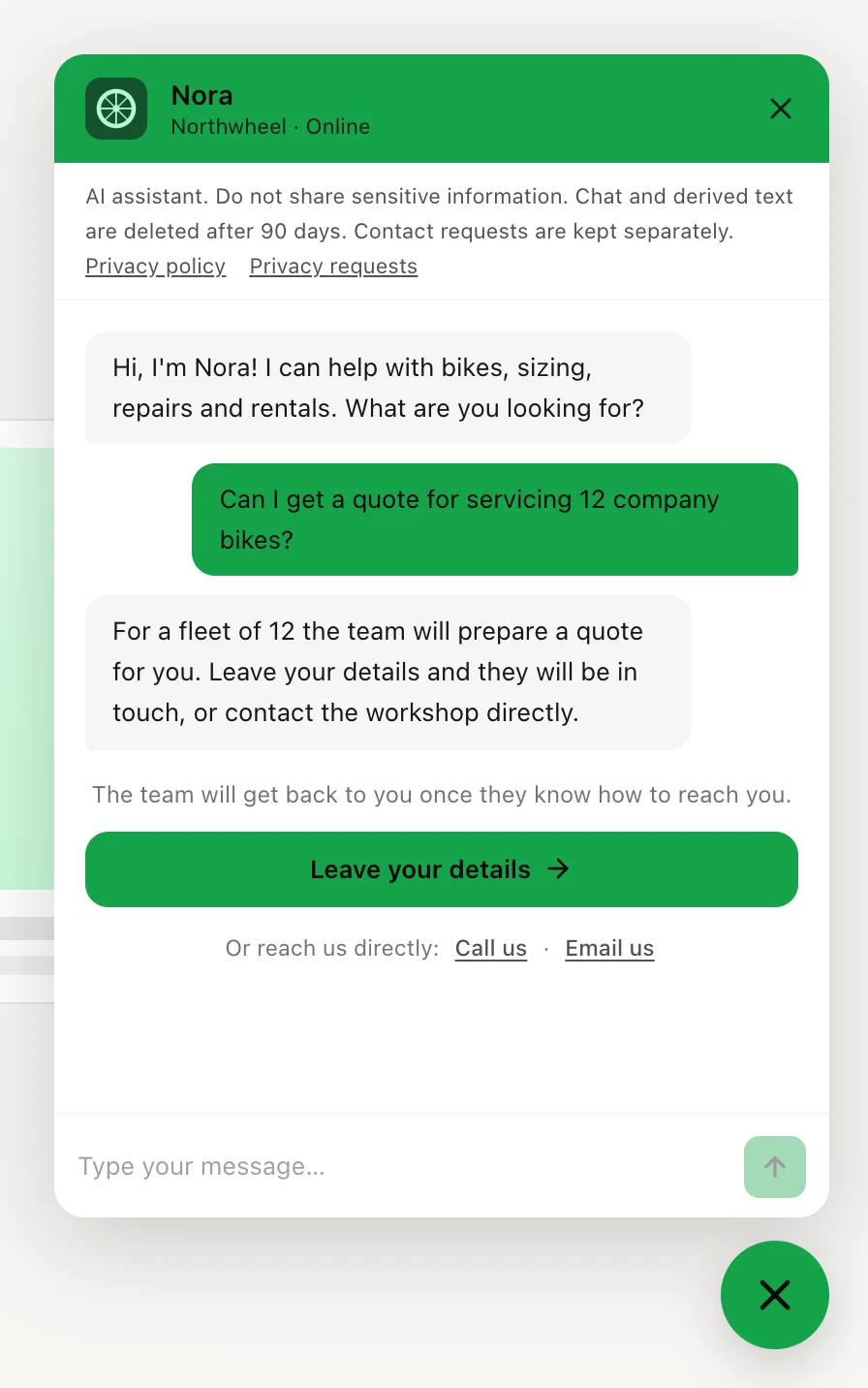
Under the answer, the visitor sees:
- the line
The team will get back to you once they know how to reach you.
- the
Leave your details
button, which opens the contact form; Or reach us directly:
followed by the direct contacts you filled in under How visitors reach you:Call us
— starts a call on a phone;Email us
— opens the visitor's email app with your address filled in;WhatsApp
— opens a WhatsApp chat with your number.
Only the contacts you filled in are shown. With none filled in, the visitor sees just the button.
The hand-off belongs to that one answer. If the visitor asks something else instead, it disappears, and the conversation carries on as normal.
Note
The hand-off alone does not alert anyone. You hear from the visitor when they send the contact form, or when they call, email or message you. Until then, the conversation is marked Handed off under Conversations, so you can still see who asked for a person.
The contact form
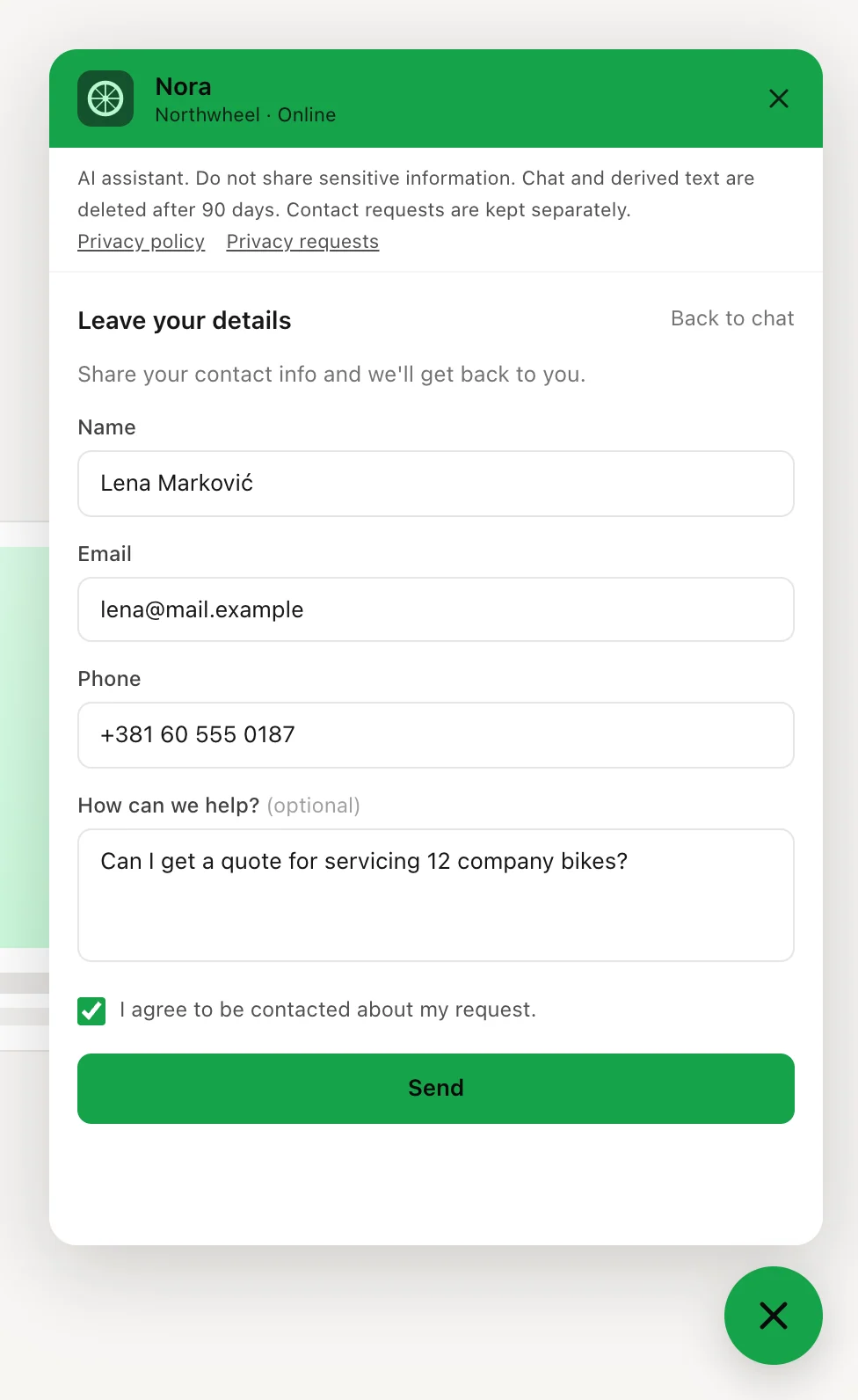
The form opens inside the chat, under the title Leave your details
. It asks for the fields you
chose under Lead capture fields — Name,
Email, Phone — and always has a message
box, How can we help?
, which is optional. If you wrote a
consent text, a checkbox with that text sits under the fields.
Before the form can be sent:
- it needs an email address or a phone number — otherwise it says
Add an email or phone number so we can reach you.
- an email address must look like one;
- the consent checkbox, if you have one, must be ticked — otherwise it says
Please accept to continue.
The name and the message are optional. Back to chat
at the top returns to the
conversation without sending anything.
The contact form is not always available. Visitors reach it from a hand-off, or when the chat is paused (see When the assistant cannot answer) — there is no contact button in the chat the rest of the time. Your direct contacts are the way to reach you at any moment, so it is worth filling them in.
After sending
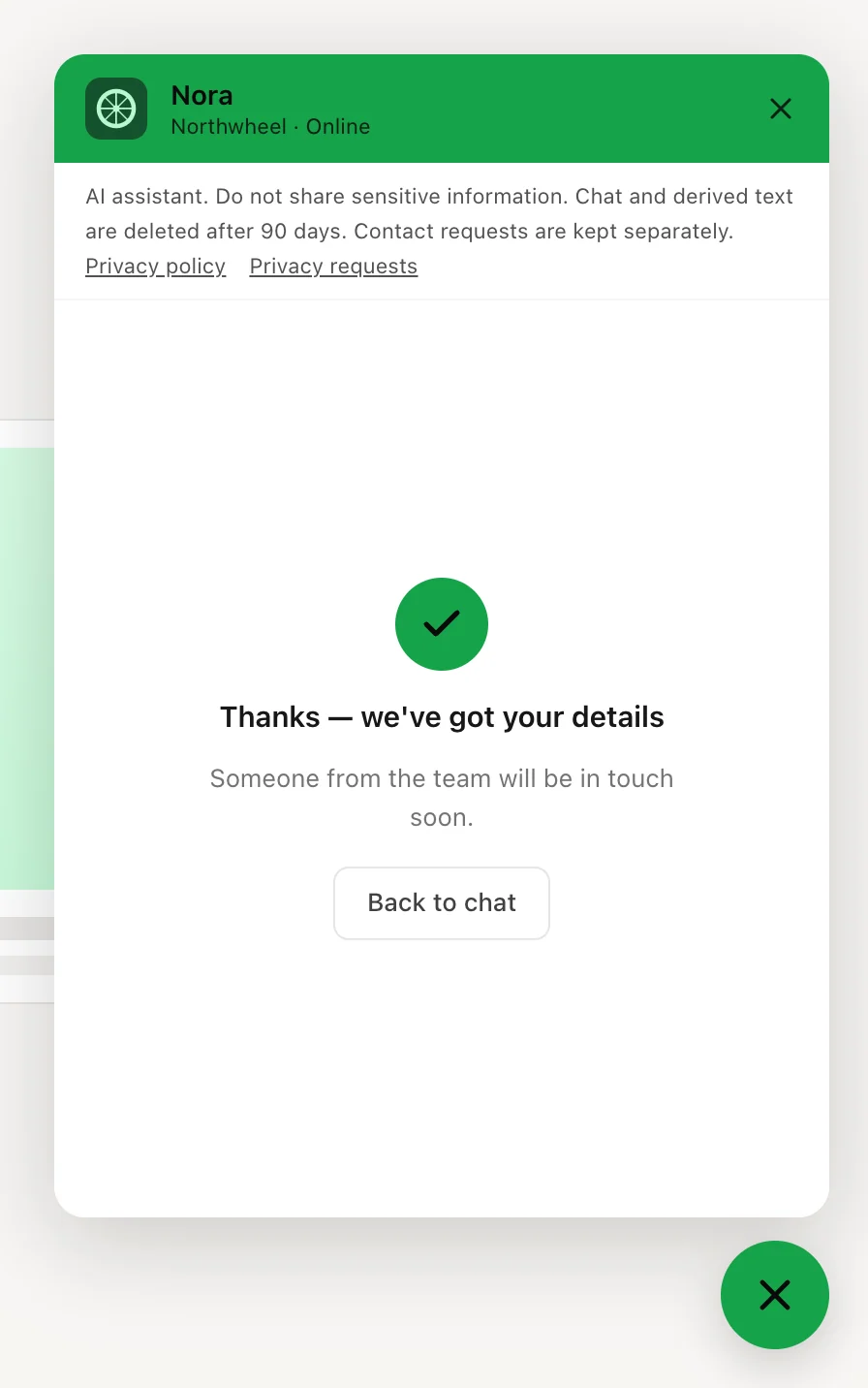
The visitor sees Thanks — we've got your details
and Someone from the team will be in touch soon.
The
Back to chat
button takes them back to the conversation, where they can keep
asking questions.
On your side:
- the details appear under Leads, linked to the conversation, so you can read what the visitor asked before you reply;
- the exact consent text the visitor agreed to is saved with the lead;
- you get an email about the new lead.
Note
If you publish a new consent text, visitors who already had your website open see
This form has changed. Reload the page and review it before sending your details.
when they send the form, and send it again after a reload. That
way no lead is saved with an agreement the visitor never saw. Any other published change —
a new greeting, colour or question — does not affect the form.
Contact forms sent in the dashboard's Test mode are not saved and send no email — see Preview and test.
How other businesses use it
- A wedding photographer does not list its free dates, so every "are you free on 14 June?" is handed off to the contact form — which asks for a phone number, because couples prefer a call.
- A plumbing company fills in its emergency phone number, so a visitor with a burst pipe
can tap
Call us
straight from the chat. - A language school fills in its WhatsApp number, which most of its students already use, and keeps the form to name and email.
- An IT consultancy publishes its widget changes early in the morning, before its newsletter goes out, so no visitor is halfway through the form when a new version goes live.